Environment groups
A group is a named set of environments: All sandboxes, QA, Developer orgs. Values and workflows you assign to the group apply to every member. Members can override single fields.
Create and fill a group
Group Management > New Group. Give it a Group Label; the name is generated. Tick Scratch Org Group if new scratch orgs set up with sf veles setup should join it automatically.
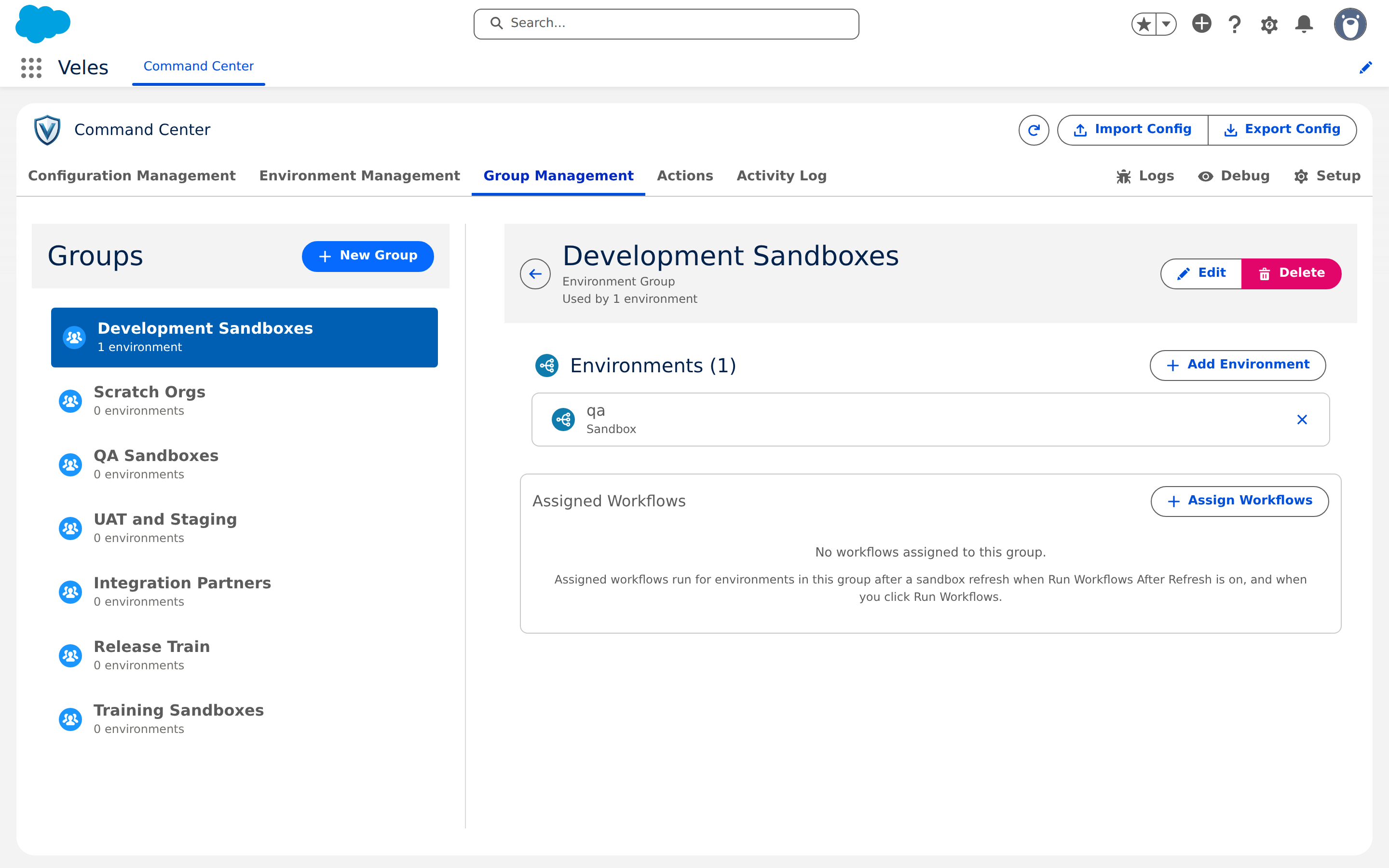
Add members with Add Environment in the group, or from the other side: open an environment in Environment Management and use Add groups in its Groups panel.
The Free plan allows one group.
Priority
An environment can belong to several groups. Its Groups panel lists them in order, and higher in the list wins when two groups set the same field. Use Move up and Move down to change it. When you add a group that overlaps fields already set by another, Veles asks whether the new group goes at the top (wins these fields) or at the bottom (existing groups keep them).
The environment's own values beat every group, including an empty override.
Workflows on a group
A group has an Assigned Workflows panel like an environment. Workflows assigned to a group run on each member after a refresh and when you run a member's assigned workflows. A member with its own assignments uses those instead of the group's. To exclude one member from group workflows without assigning anything, click Skip group on that environment.
Scope on a child
On a child org, groups that came from the Hub are managed by the Hub: a push can rename or relabel them, and Veles removes one once nothing on the child references it. Groups created on the child stay local, and a push that brings a Hub group with the same name is refused and names the conflict.